

Sippier
Your SIP accounts, one simple phone.
1. About This App
Sippier is a simple, open-source SIP phone for macOS, Windows and Android. Add the SIP accounts of your phone provider, PBX or router, and make and take calls on your computer or phone. It is built with Flutter on top of the baresip SIP stack.
Straight to your provider
Sippier connects directly to any standards-compliant SIP provider. There is no Sippier server in between.
Several accounts
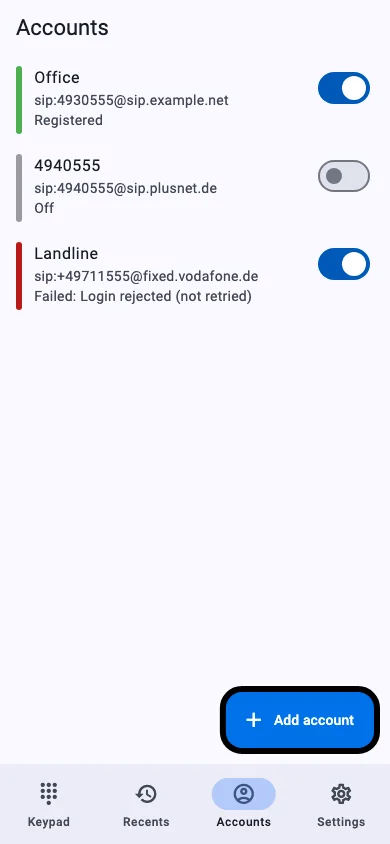
Office, home, landline: add as many SIP accounts as you have, switch each on or off, and pick the one to call from.
Everything a call needs
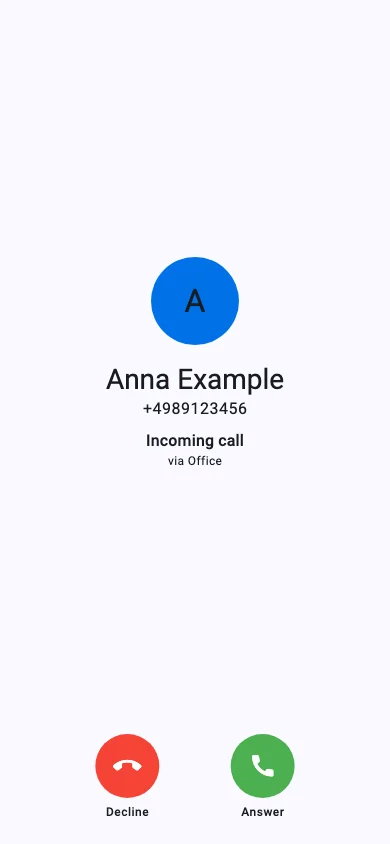
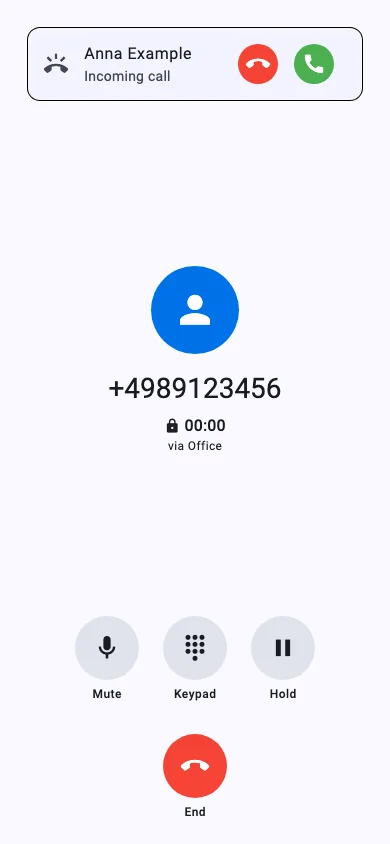
Outgoing and incoming calls with keypad, mute, hold and speaker — and a ringtone per account if you like.
Recent calls
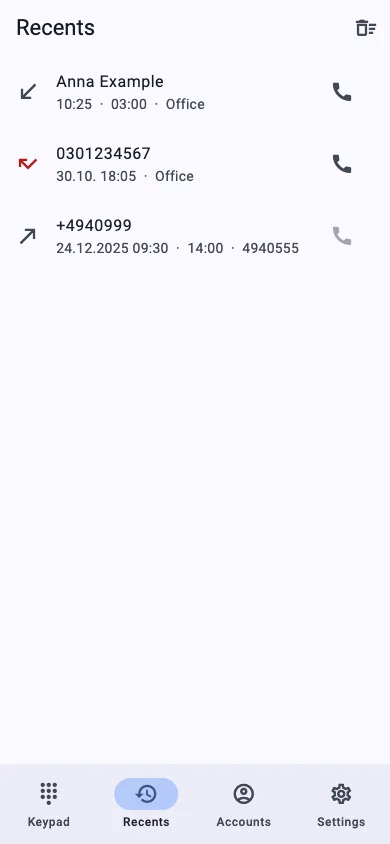
Your call history with direction, time, duration and the account each call went through.
Move your accounts
Export your accounts into a file and import them on another device.
Desktop and phone
One app for macOS, Windows and Android, in English and German.
Sippier is in development. Test builds for macOS (12 or later, Apple silicon), Windows (x64 and Arm64) and Android (9 or later) are published on GitHub with every release, together with install scripts. The desktop apps are not code-signed yet.
Get it on GitHub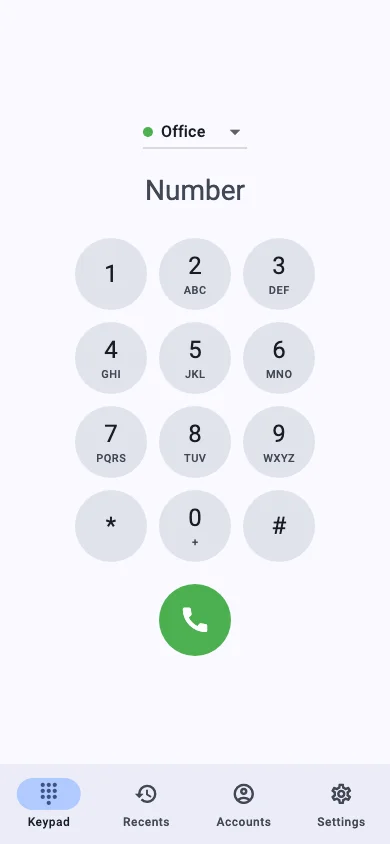
2. Privacy
Last Updated: November 9, 2026
In short: Sippier has no server of its own. Your calls go between your device and your SIP provider, and everything the app keeps stays on your device. We collect nothing.
2.1 Where Your Calls Go
- Your SIP provider. To register your accounts and make and receive calls, Sippier connects to the SIP servers you enter. Your provider receives your sign-in, the numbers you call or that call you, and the call audio, as with any phone. Its privacy policy applies to that.
- A STUN server, if you enter one. An account can name a STUN server, which Sippier asks for your public network address.
Sippier sends nothing to us and makes no other connections: no analytics, tracking, advertising or crash reporting.
2.2 What Stays on Your Device
- Your account settings, and their passwords in the operating system's secure storage.
- Your settings and the history of your recent calls.
- A log file for troubleshooting. With SIP trace turned on in Settings, it also holds every SIP message, including your number and authentication hashes, but never passwords.
An account export file contains your passwords unencrypted. Sippier writes it only where you choose; keep it safe and delete it once you have imported it. Uninstalling Sippier (with the uninstall scripts on macOS and Windows) removes everything it keeps.
2.3 Permissions
- Microphone: for your voice during calls.
- Network: to reach your SIP provider.
- Notifications and running in the background (Android): so incoming calls can ring while the app is in the background.
2.4 Changes to This Section
Changes are published here with a new date. Where we do process personal data (for example, if you email us), our general Privacy Policy applies.
3. License
Sippier is free and open source under the Apache License 2.0. You may use, copy, modify and distribute it under that license's terms. It is provided "as is", without warranty of any kind.
Builds include third-party software under its own license, such as baresip, libre, Opus and OpenSSL; see the NOTICE file.
Contact Us
For questions, bugs and ideas, open an issue on GitHub, or contact us:
Summary
Sippier is a simple SIP phone for macOS, Windows and Android that connects straight to your SIP provider, with several accounts and no server of its own. Your accounts, passwords and call history stay on your device; we collect nothing. It is free and open source under the Apache License 2.0.